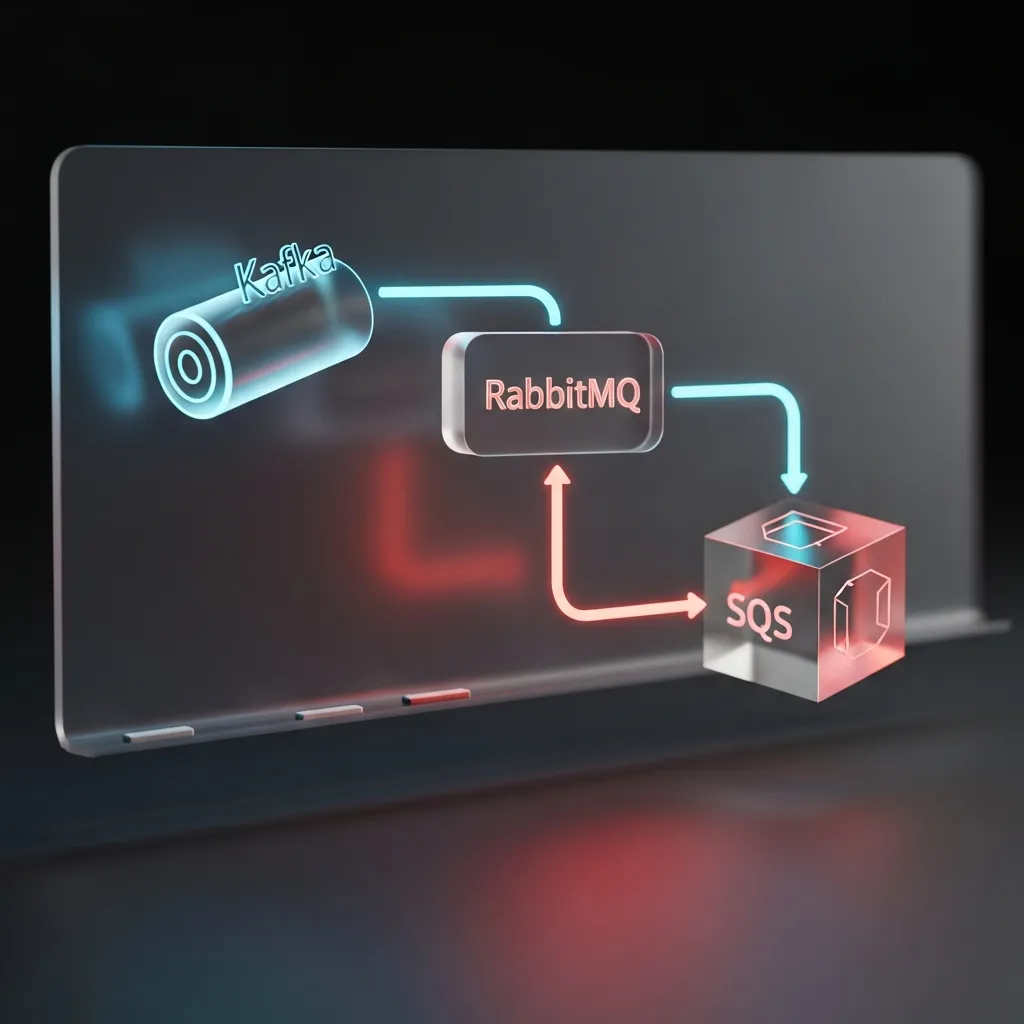
Why Whiteboard EDA is a Must-Have Interview Skill
The transition from explaining features to designing scalable systems marks a key shift in your career journey. When you are asked to whiteboard an asynchronous architecture, the interviewer isn't just checking if you know what Kafka is—they are testing your ability to communicate complex, distributed system concepts clearly and logically.
Mastering this skill shows you understand fault tolerance, decoupled services, and scalability, signaling that you are ready for senior roles. And since we're your Candidate Protector here at RolePilot, we want to equip you not just with the answer, but with the confidence to draw it perfectly.
The Universal Language: Key Symbols for EDA
Before diving into specific brokers, establish a common visual vocabulary. Consistency prevents confusion and makes your diagram instantly readable.
Here are the essential components and standard visual cues:
- The Service/Microservice (The Producer/Consumer): A simple rectangle or a standard server icon. Label it clearly (e.g., "Order Processing Service" or "Notification Sender").
- The Event/Message: A small circle or arrow, sometimes labeled 'E' (Event).
- The Broker/Message Queue: This is the most critical symbol.
- Generic Queue: A rectangle with a curved bottom or an open-ended box (representing FIFO).
- Generic Topic/Log: A stack of rectangular slices (representing immutable log segments).
Remember to use different arrow styles to denote synchronous API calls (solid line) versus asynchronous message delivery (dashed line).
Deep Dive: Diagramming the Big Three Message Brokers
While all three brokers decouple services, their internal mechanisms are different, and your diagram must reflect those differences.
1. Apache Kafka (The Distributed Commit Log)
When drawing Kafka, emphasize its role as a high-throughput, fault-tolerant backbone built around persistent logs.
- Symbol: A segmented rectangle representing the ordered, immutable log.
- Key Components to Label:
- Topics: The highest level container for related messages.
- Partitions: Show how a topic is horizontally sharded. Indicate that consumers read from specific partitions.
- Consumer Groups: Draw a group of services reading from partitions collectively, emphasizing that offsets are managed by the group.
Whiteboard Tip: Use colors (or different shades if you only have one marker) to denote different partitions for clarity. Draw multiple consumers reading the same messages from Kafka if demonstrating replayability.
2. RabbitMQ (The Enterprise Message Queue)
RabbitMQ excels in routing flexibility and guaranteed delivery, making it ideal for point-to-point and request/response patterns.
- Symbol: A central hexagon or circle representing the Exchange, leading to one or more curved queue boxes.
- Key Components to Label:
- Producers & Consumers: Standard service rectangles.
- Exchange: The initial receiving point. Crucially, specify the exchange type (e.g., Direct for specific routing, Topic for wildcards, or Fanout for broadcast).
- Bindings: The rules connecting the Exchange to the Queues.
Whiteboard Tip: RabbitMQ diagrams should focus heavily on the flow and rules of routing (the bindings), not just the storage (the queue).
3. Amazon Simple Queue Service (SQS)
SQS is the easiest to draw, typically represented simply as a durable queue box, often shown within a larger cloud boundary. Focus on its managed simplicity.
- Symbol: A standard queue box (or an AWS icon if appropriate).
- Key Components to Label:
- Type: Specify if it's Standard (at-least-once delivery, potential reordering) or FIFO (exactly-once processing, strict ordering).
- Polling: Clearly draw Consumers actively polling the queue, rather than the queue pushing to them.
- Visibility Timeout: Mention this critical concept verbally, explaining how it prevents multiple consumers from processing the same message simultaneously.
Common Pitfalls and How to Impress
A truly impressive architectural diagram doesn't just show the happy path; it shows resilience.
- Ignoring Back Pressure: What happens if the consumer is slower than the producer? Show a strategy, such as adding auto-scaling groups triggered by queue depth, or implementing graceful rejection.
- Forgetting DLQs (Dead-Letter Queues): Every robust asynchronous system needs a plan for failed messages. Draw a small, separate queue box labeled "DLQ" receiving messages that have exceeded their retry attempts. This demonstrates maturity in error handling.
- Ambiguous Scaling: Use annotations (e.g., "x N instances") next to consumers to show that they scale horizontally to handle load from the broker.
Stressing about your next technical interview? Make sure your system design presentation is polished. Use RolePilot's Interview War Room features to practice explaining complex architectures clearly.
FAQ on Message Broker Selection
Q: When should I choose Kafka over RabbitMQ or SQS?
A: If your requirement is high-throughput streaming, log aggregation, event sourcing, or the ability for multiple, diverse consumer groups to read the same stream of historical data, choose Kafka. If you need simple, reliable task queuing, flexible routing based on rules, or strict FIFO ordering (and you are already heavy into AWS), SQS or RabbitMQ might be simpler solutions.
Q: How do I draw persistent storage alongside my broker?
A: Remember that message brokers are generally temporary buffers. If a consumer needs to access detailed data related to an event (e.g., order details), draw a database box (PostgreSQL, DynamoDB, etc.) and show the consumer making a synchronous lookup call to that database based on the ID contained in the event message.
Protect Your Career: Polish Your Communication
Technical interviews are fundamentally about communication. Being able to sketch a clean, resilient Event-Driven Architecture on a whiteboard shows you are ready to design and deliver robust systems. Don't let confusing diagrams be a red flag!
Ready to ensure your written documents align with your stellar technical skills? Run your resume through our powerful Ats Check(ATS Reality Check) to make sure you pass the automated screening before you even get to the whiteboard stage.